The problem
Documenting what already exists is a big part of design work. Before I explore a new direction, I need an accurate picture of today's flow. Other times I need real screens for a prototype, a demo, or a presentation.
Doing that by hand is easy and tedious. Navigate to a state, take a screenshot, name the file, import everything into Figma, put the screens back in order. Then notice I skipped a menu and start over. Each step is small. Together they pull me out of the design work.
What I wanted
A recorded journey that turns into an ordered set of screenshots, ready for Figma. Editable layers were never the point. Static screenshots keep the real product experience intact, and that is the context I need when I'm exploring.
They help me map the current flow before proposing changes and keep it visible next to early concepts. They catch the menus, drawers, and dialogs that are easy to lose. They also work for demos and presentations, and as a record of how a workflow behaved on a given day.
One job meant the interface could stay small.
The workflow
One field, one primary action. Enter the page, select Record flow, choose the browser window, and complete the journey as usual. When you come back, select Finish recording.
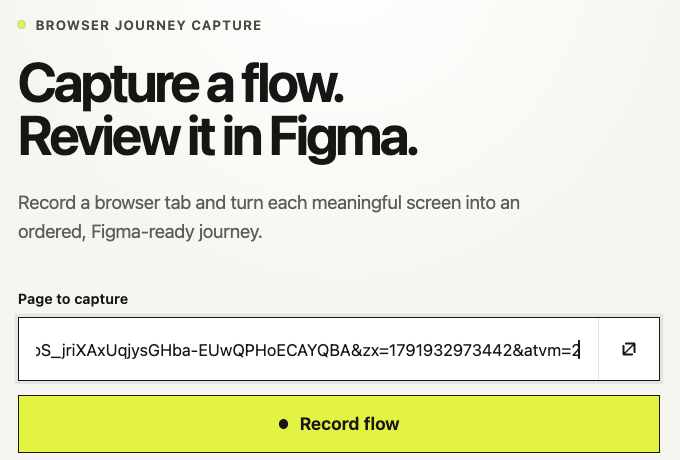
After you finish, the tool scans the recording in order and flags meaningful visual changes as candidate screenshots. The recording stays in the browser until you export it. The tool never reads the product's code or interface structure. It only sees what was on screen, which is how it picks up open and nested menus, side panels, selected rows, confirmation messages, validation errors, and steps that never change the URL.
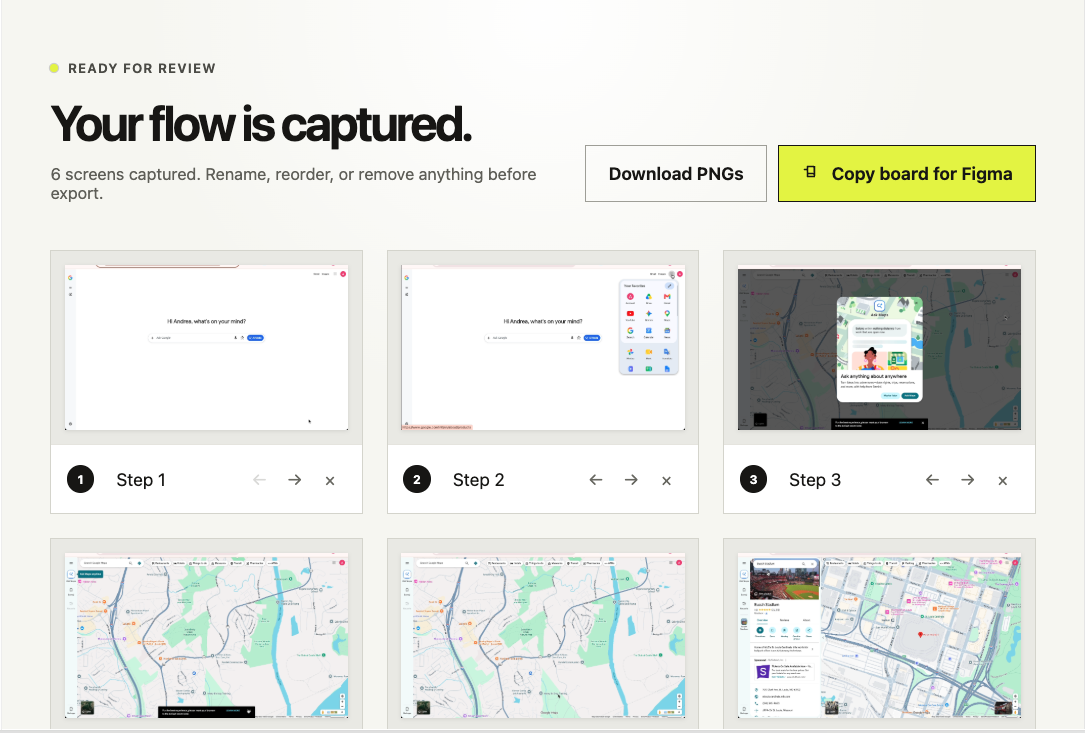
I kept a review step on purpose. Fully automatic capture sounds ideal, but real flows are messy, and loading states, animations, and notifications all add noise. A quick look in the app before you copy or download lets you rename, reorder, and delete right there. It also catches a missing screen early. Find the gap after the board is already in Figma and you've spent the copy, paste, and arranging steps for nothing. Find it in review and you can record again while the flow is still fresh.
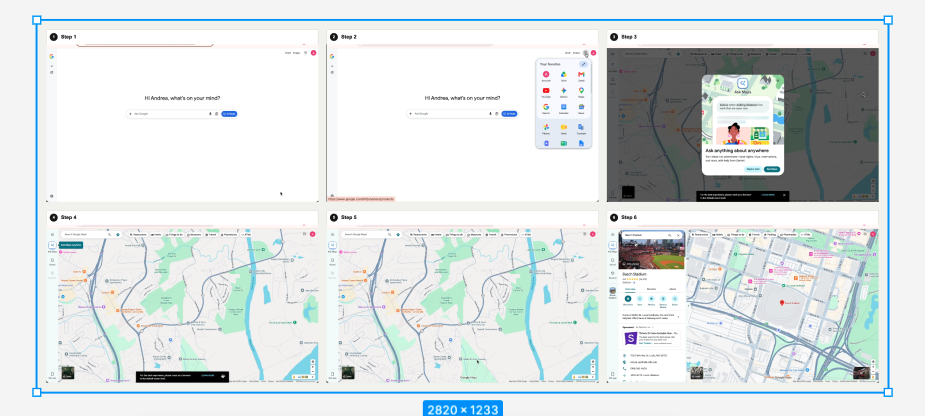
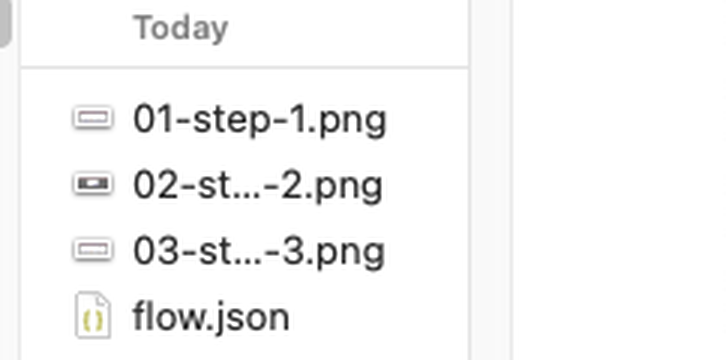
Export is plain: a board image for Figma, or numbered PNGs.
The first version missed things
Testing against a real multistep workflow taught me the most. The first version waited for each screen to settle before taking a screenshot. That worked for full page navigation and missed anything brief. I could open a menu, move into a nested menu, pick an item, and land in a panel before the recorder decided anything was stable. Those in between states were often the details I needed.
So I changed the capture model. The tool keeps a temporary recording and analyzes it after the flow ends, which recovers brief menu and panel states in their original order. I also made a call: capture a few extra screens rather than silently miss one. Removing a duplicate in review takes a click. Recreating a complicated state later does not.
Two smaller problems came from the environment. In one setup, the tool rejected the right product window because it assumed everything had to be shared as a browser tab. Once I saw the real selection screen, I added window capture and automatic trimming of the browser controls. Then my first clipboard format looked fine in the tool and Figma refused it on paste. I replaced it with a plain PNG board and kept the numbered download for when each screen should stay separate.
Every one of these fixes came from running a real flow through the tool.
Where it stands
The tool works, and I've tested it against one real multistep flow. I haven't measured time saved. I built it with ChatGPT Sites. The capture model, the extra screen rule, and the review step were my calls, each made after watching an earlier version fail.
The habits behind them are the ones I bring to enterprise product work, only smaller here: start with the actual job, keep automation reviewable, test with messy real flows, and ask which mistake costs the most. In this tool that was a missing screen, so that decided what got built first.